Related: Support
Transcript
The app starts with four workouts, and all four are random. Each time you start one, its exercises are chosen from that workout's own set. You can make two kinds of workout. One is a random workout, where you only choose the exercises and the app builds it each time. The other is Customize Everything, where you set every exercise yourself. Here, we change the exercises for one of the built-in random workouts, Everyday.
Its editor lists every exercise it can choose from. Each time, it picks six at random from these thirty. Removing an exercise takes it out of the set, so this workout won't give it to you again. Add Exercises shows everything that isn't in the set. That's where you put an exercise back, or add your custom exercises and ones from Workout Packs. Always Include is for an exercise you want every time you do this workout. Here, Squats is now pinned at the top of the list, and the other five exercises are still chosen at random. Saving changes the Everyday workout only, because Quick, Tough and Extreme each have their own set of exercises.
More videos
-
 1:14
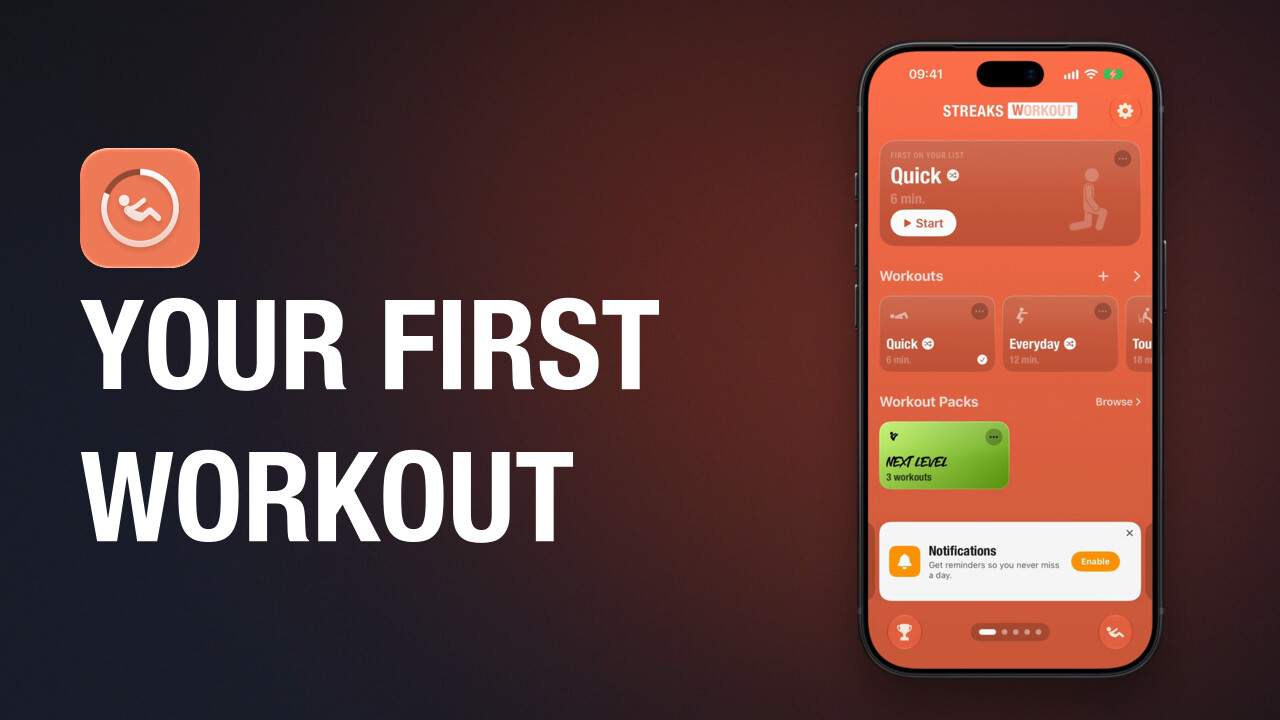
Do your first workout
How to start a workout in Streaks Workout, what counted and timed exercises look like, how to pause, and what you see when you finish.
-
 0:59
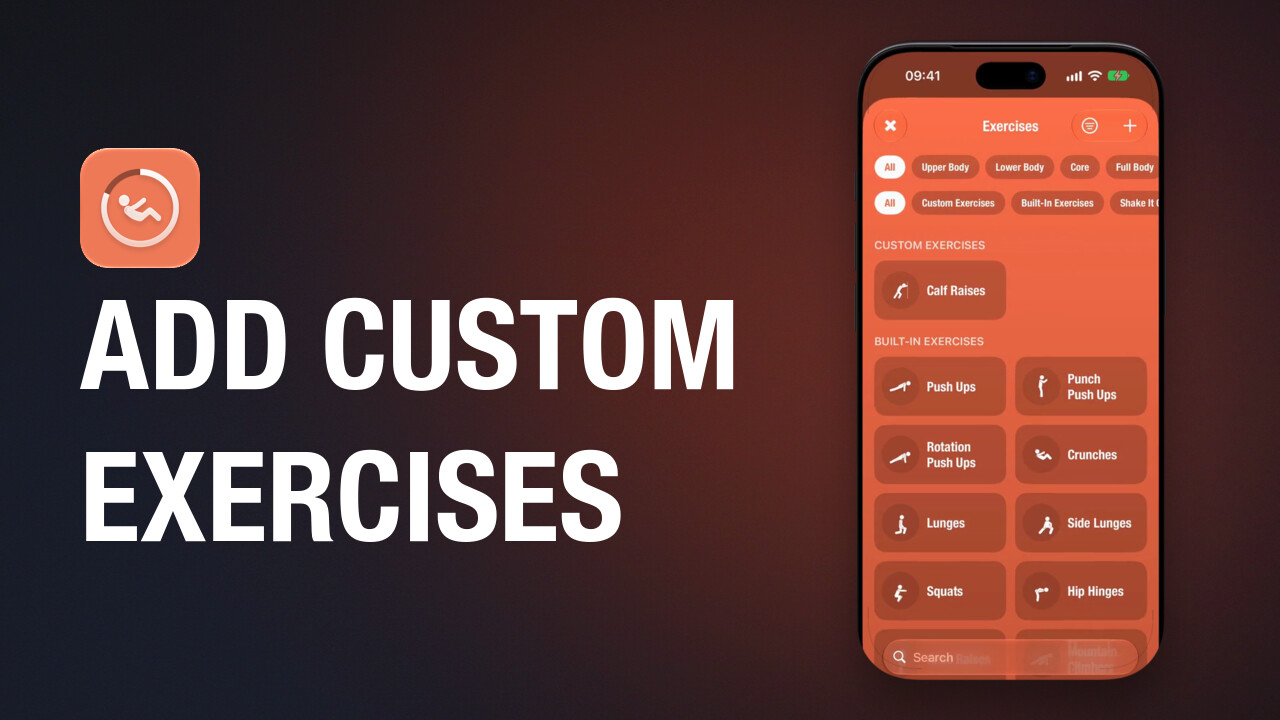
Add custom exercises
How to create a custom exercise in Streaks Workout with a name, an icon, its timing and the muscles it works.
-
 0:53
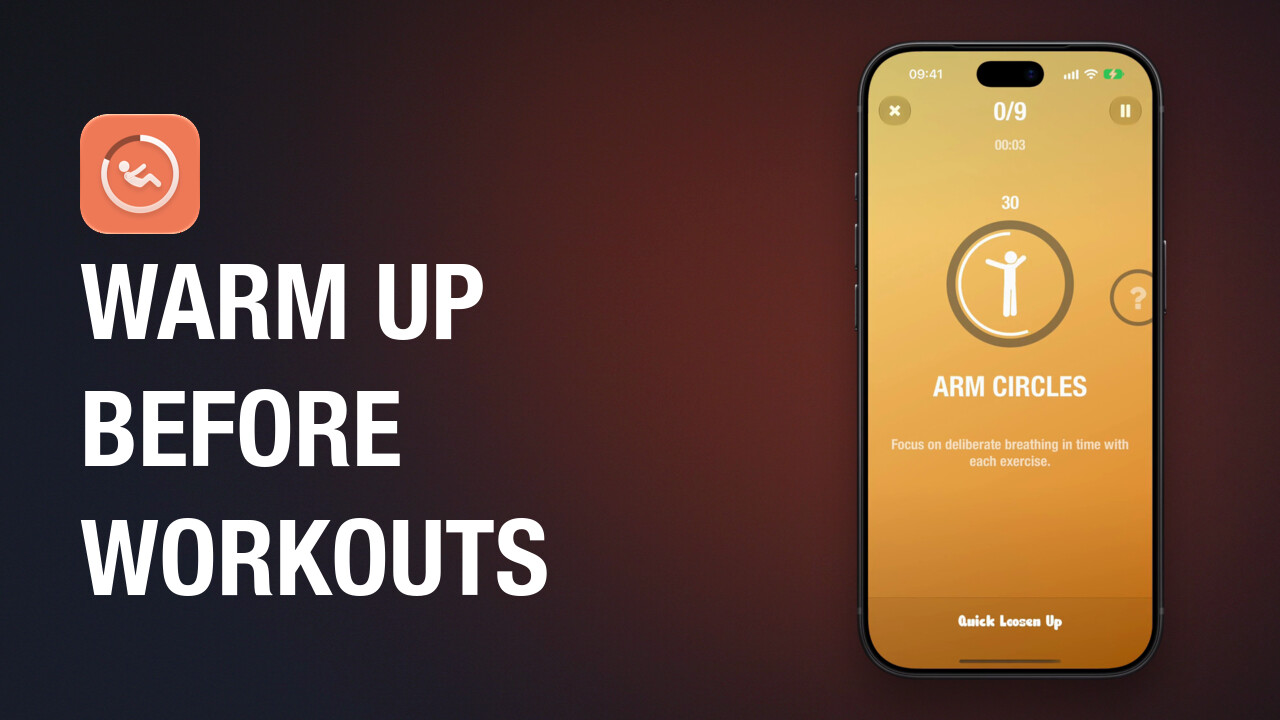
Warm up with Shake It Out
How to get the free Shake It Out pack in Streaks Workout and do its warm-up workout, Quick Loosen Up, before another workout.
Guided workouts for iPhone, iPad, Apple Watch and Apple TV. A one-time purchase, with no subscription.