Related: How to start working out at home when the gym isn't for you
Transcript
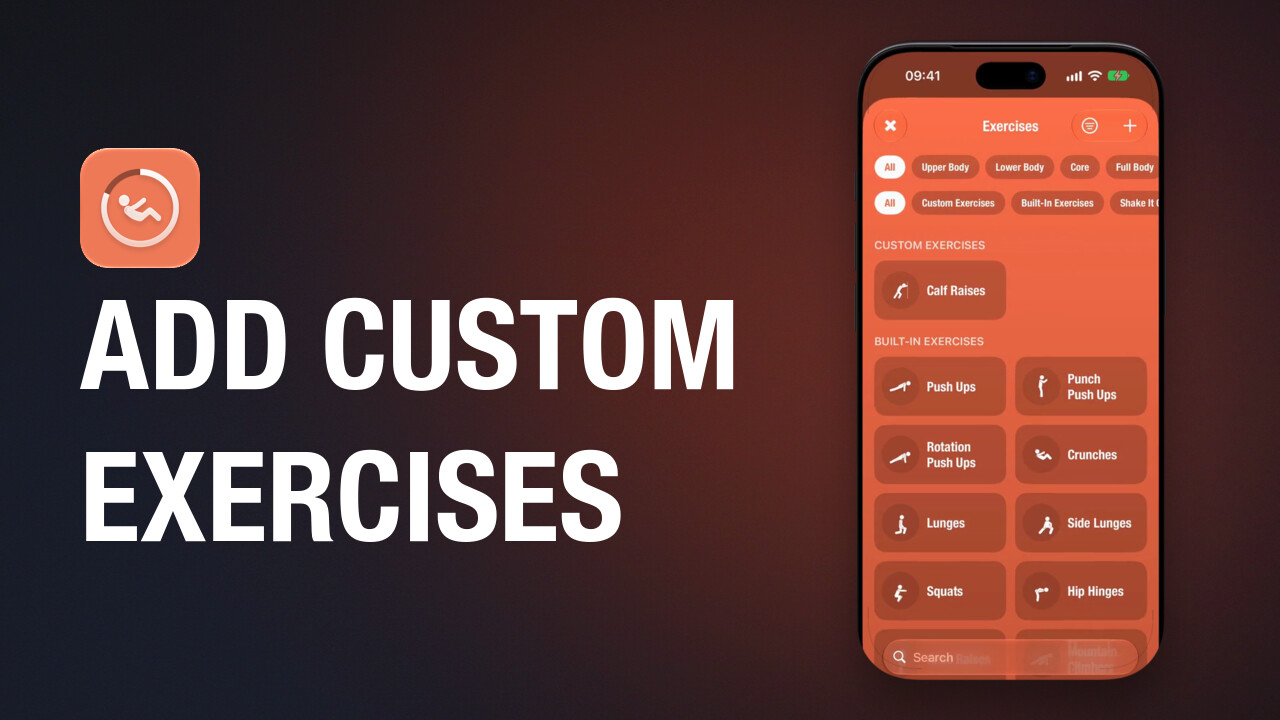
There are four workouts to start with, from six minutes to thirty. Each one is a random mix of exercises, and you can create your own. Choosing one starts it. The first time, it asks to save your workouts to the Health app.
Some exercises are counted. Do the reps, then tap anywhere. Others are timed. They count down and move on by themselves.
The top of the screen shows how many sets you've finished and how long you've been going. The row along the bottom shows your progress through each exercise in the workout. You can pause whenever you need a break.
And you can end a workout early if you have to.
At the end you'll see your time, your reps and every exercise you did.
That's the first workout done, and the start of your streak.
Guided workouts for iPhone, iPad, Apple Watch and Apple TV. A one-time purchase, with no subscription.