The Move ring fills with the active calories you burn, so a short circuit in the lounge room counts just like a walk. Pick moves that use your legs and get you breathing harder, keep the rests short, and wear your Apple Watch. Work at that pace fills the Exercise ring too.
How do the Activity rings work?
There are three rings, and each one fills towards a daily goal you can set yourself. Apple describes them like this:
- Move (red) shows how many active calories you've burned.
- Exercise (green) shows how many minutes of brisk activity you've done.
- Stand (blue) shows how many times in the day you've stood and moved for at least 1 minute in an hour. If you've said you use a wheelchair, it becomes the Roll ring and counts rolling instead.
A ring that overlaps itself means you've gone past your goal. Apple's page on tracking daily activity has more.
With only an iPhone you still get a Move ring. Apple says the phone's motion sensors estimate active calories from your steps, distance and flights climbed, and workouts from compatible third-party apps count too. The Exercise and Stand rings need an Apple Watch.
What counts towards the Exercise ring?
Every full minute of movement at or above the intensity of a brisk walk counts towards Exercise, and towards Move as well. Apple uses your cardio fitness to decide what's brisk for you, so the same workout can count for one person and not another. Anything gentler only counts towards Move.
Apple also says the Activity app relies on arm motion and the accelerometer, while the Workout app can also use the heart rate sensor. That matters at home, where planks and glute bridges barely move your arms. Record home sessions as a workout on the watch, and wear it on the top of your wrist, as Apple's page on getting accurate measurements explains.
Without a watch, the NHS test for moderate activity like brisk walking is that you can still talk, but you can't sing.
Is your Move goal the right size?
Set a goal you can close on an ordinary day, and raise it once that gets easy. To change it:
- On Apple Watch: open the Activity app, turn the Digital Crown to a ring and tap Change Goals. Choose Change for Today, or Change Daily Goal to set one for each day of the week.
- On iPhone: in the Fitness app, tap the Activity rings, then tap the Edit Goal button next to a ring. Choose Adjust Goal for Today, or Change Daily Goal.
Each Monday you'll get suggested goals for the week ahead. If you're sick, injured or away, you can pause your rings for up to 90 days without breaking your award streak. Apple has the steps for Apple Watch and iPhone.
What kind of home workout fills the rings fastest?
Moves that use your legs and keep your heart rate up, with short rests so you stay at the brisk pace that counts for Exercise. Try six moves, each for 30 seconds with 15 seconds of rest:
-
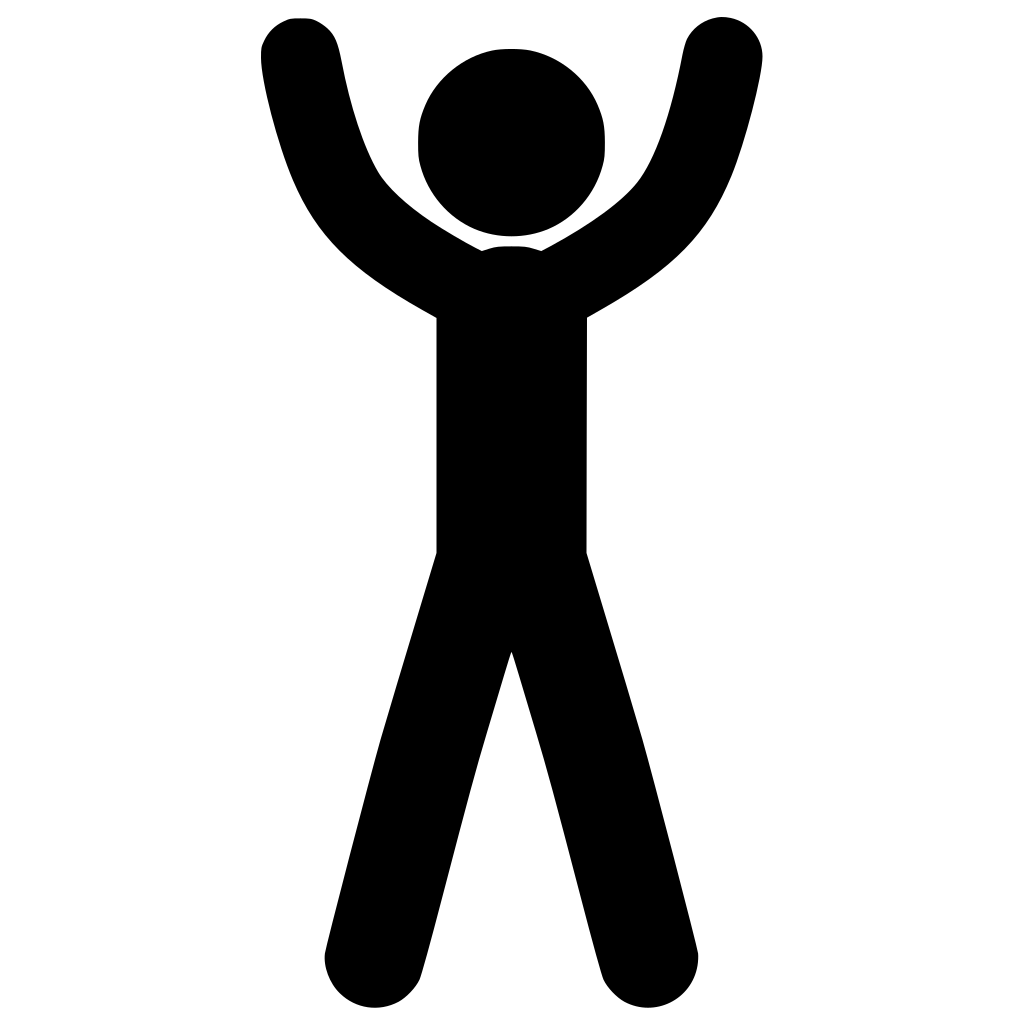 Jumping jacks
Jump your feet wide as your arms sweep overhead, then back together.
-
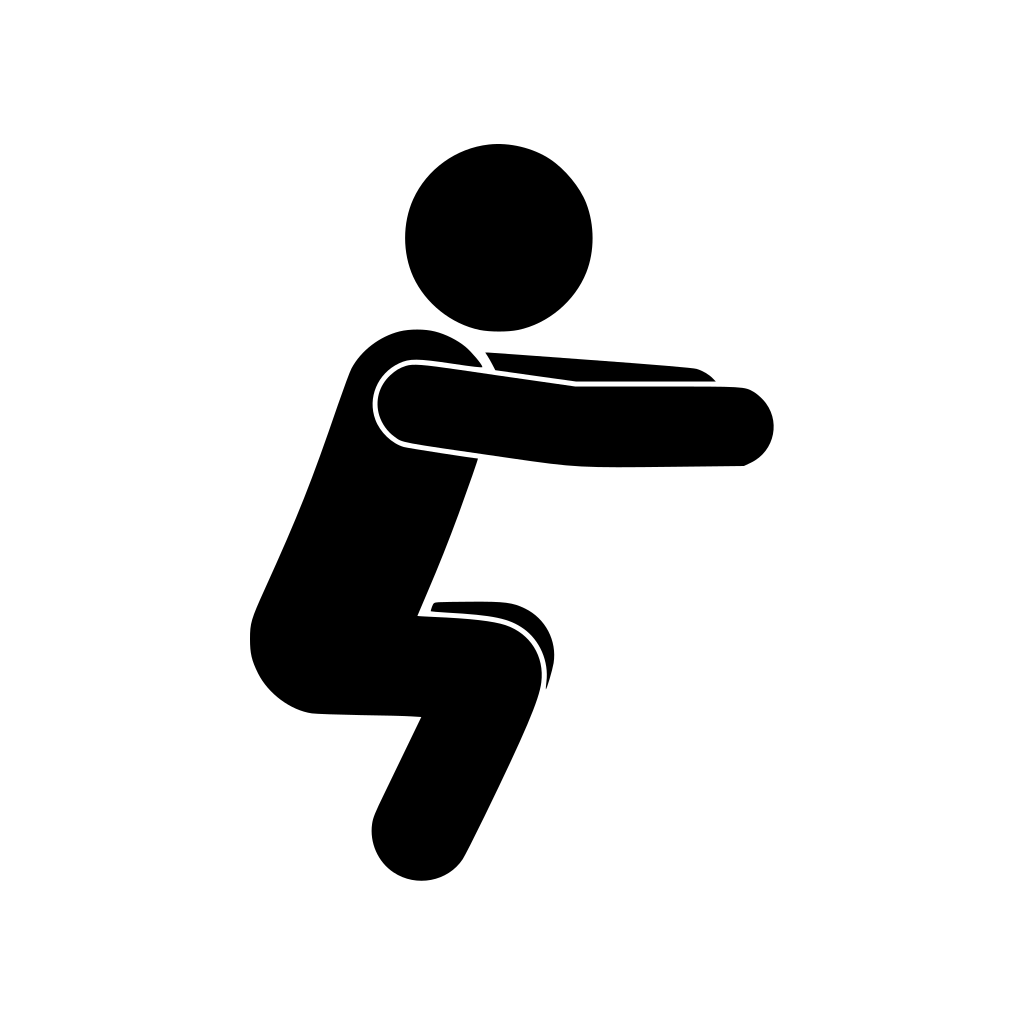 Squat
Sit your hips back and down, then stand up through your heels.
-
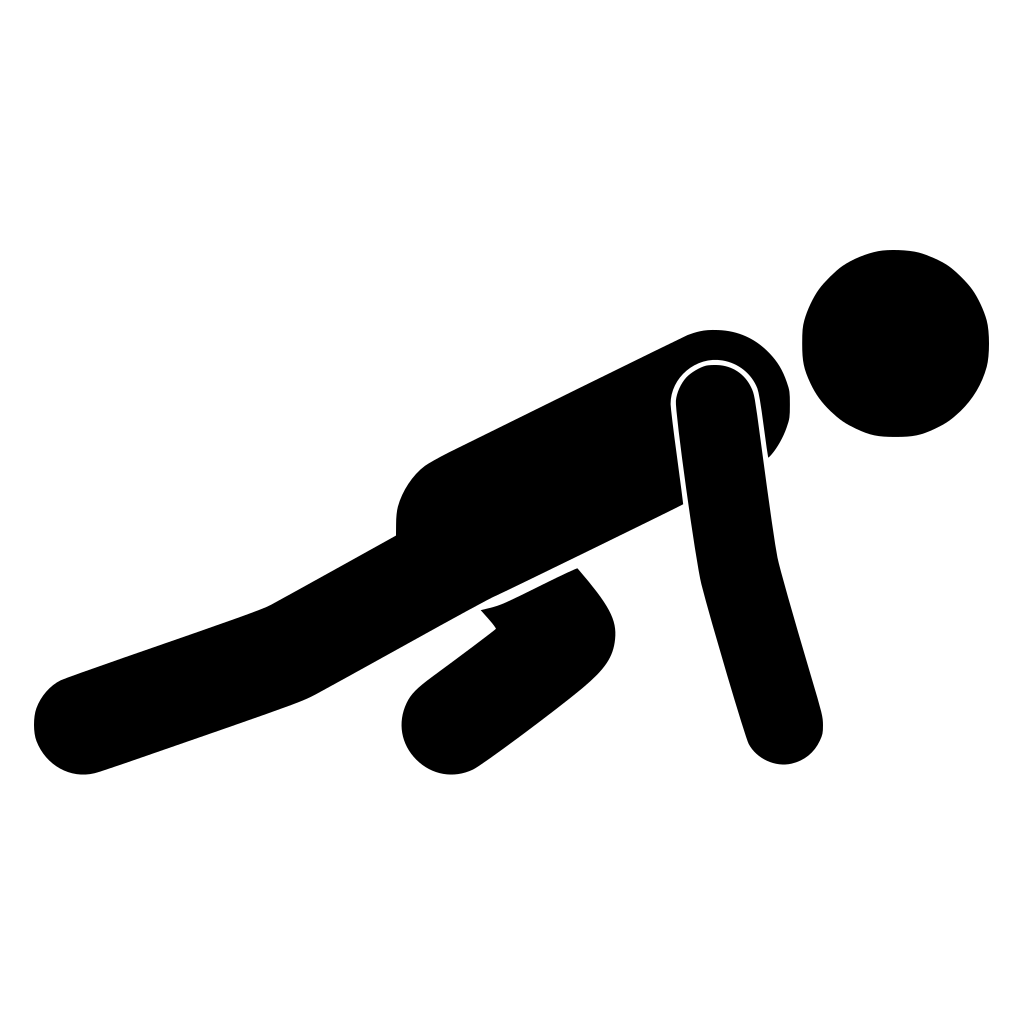 Mountain climbers
From the top of a push-up, drive your knees towards your chest in turn.
-
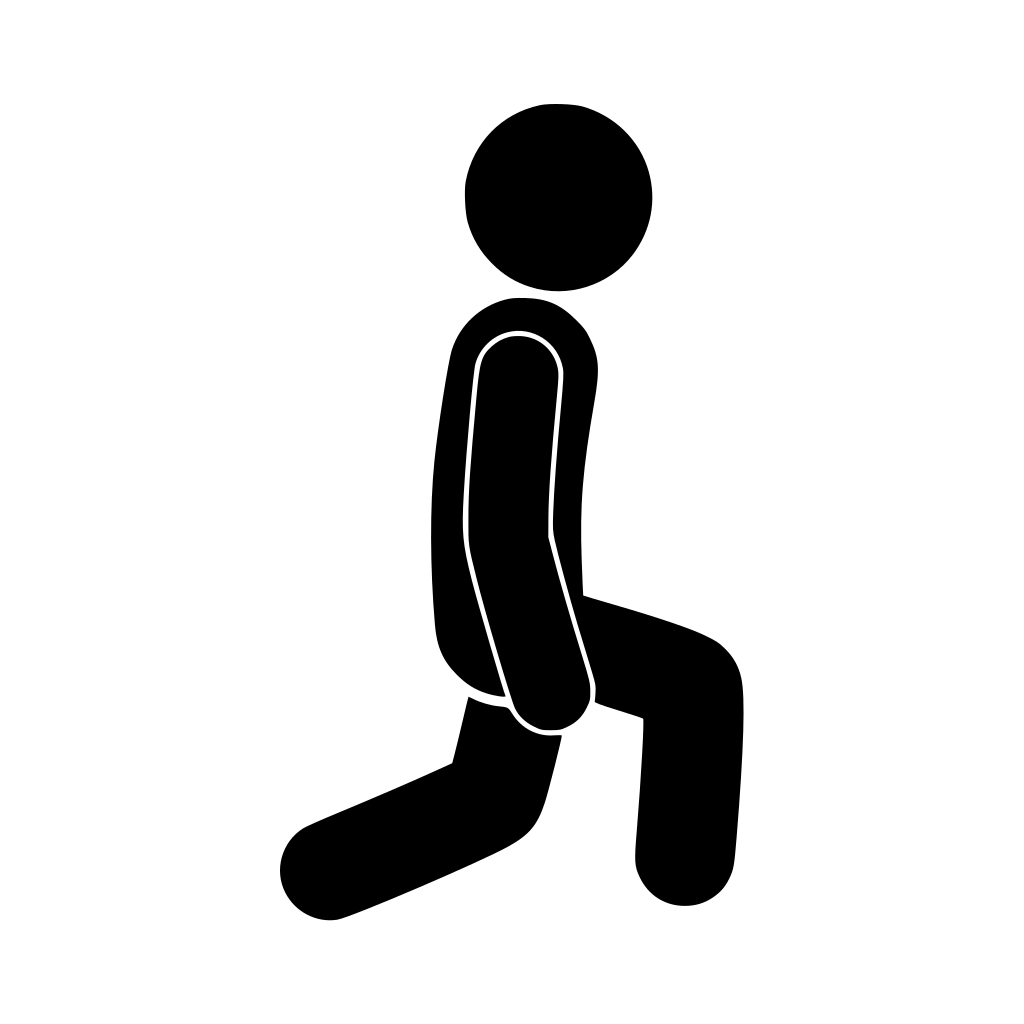 Lunge
Step forward, lower your back knee towards the floor, push back and swap.
-
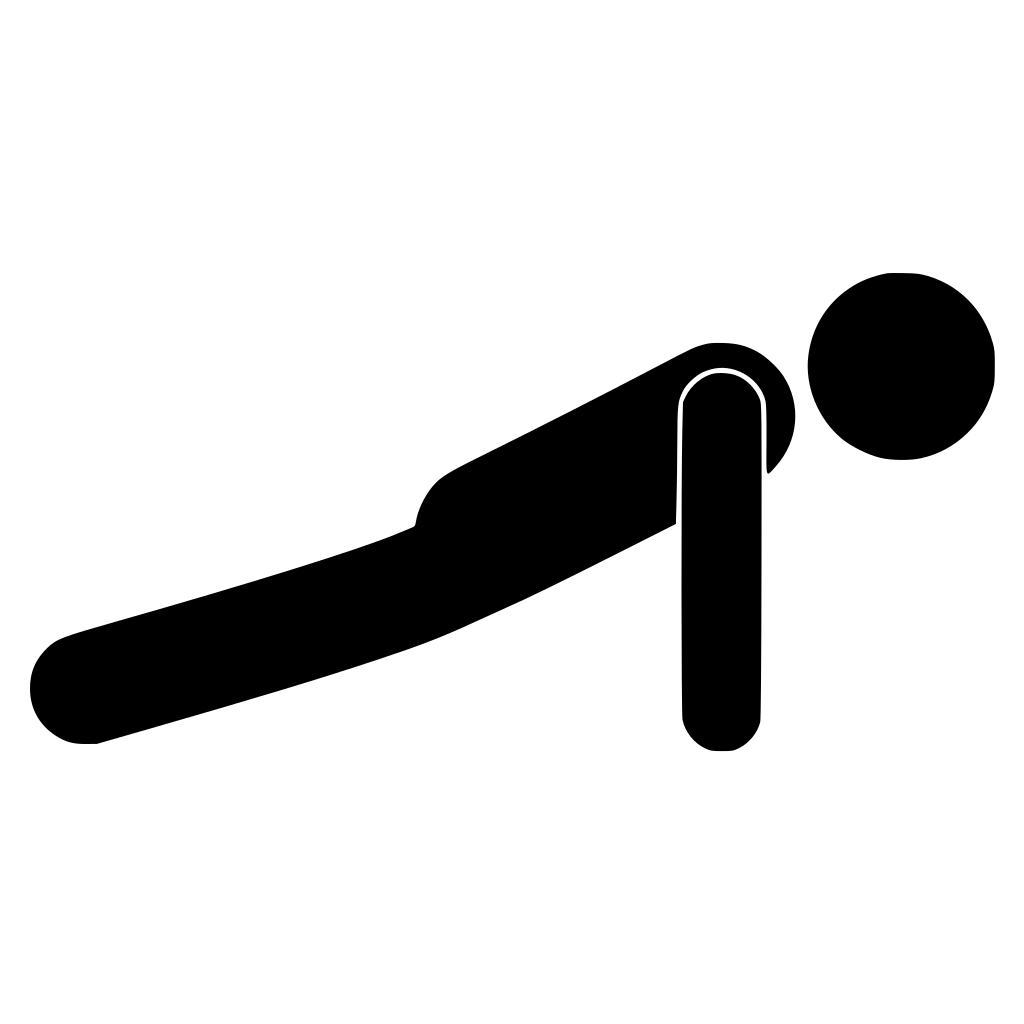 Push-up
Lower your chest with your body in a straight line. Knees down is fine.
-
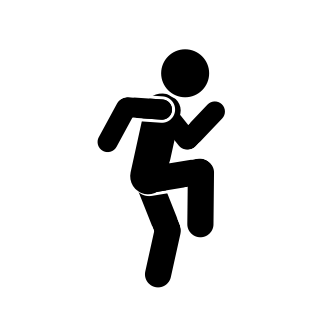 Knee raise
Drive each knee up in turn, at a brisk march or a jog.
| Move | Time | Notes |
|---|---|---|
| 1. Jumping jacks | 30 s | Step them out to skip the jumping. |
| 2. Squat | 30 s | As deep as is comfortable. |
| 3. Mountain climbers | 30 s | Hands under shoulders. |
| 4. Lunge | 30 s | Alternate legs. |
| 5. Push-up | 25 s | On your knees is fine. |
| 6. Knee raise | 30 s | Keep your chest up. |
| Rest | 15 s | After each move. Do two to four rounds. |
One round takes under five minutes, so stop after two on a busy day or keep going when your rings need it. For something harder, try the short, all-out intervals in our guide to Tabata workouts. If you have an injury or a health condition, check with a doctor or physio first.
Can you close your rings with a quiet workout?
Yes, though it may take a little longer. Without jumping it's usually gentler, but steady work with short rests still adds up and won't shake the floor at night. Use the same timing with these:
-
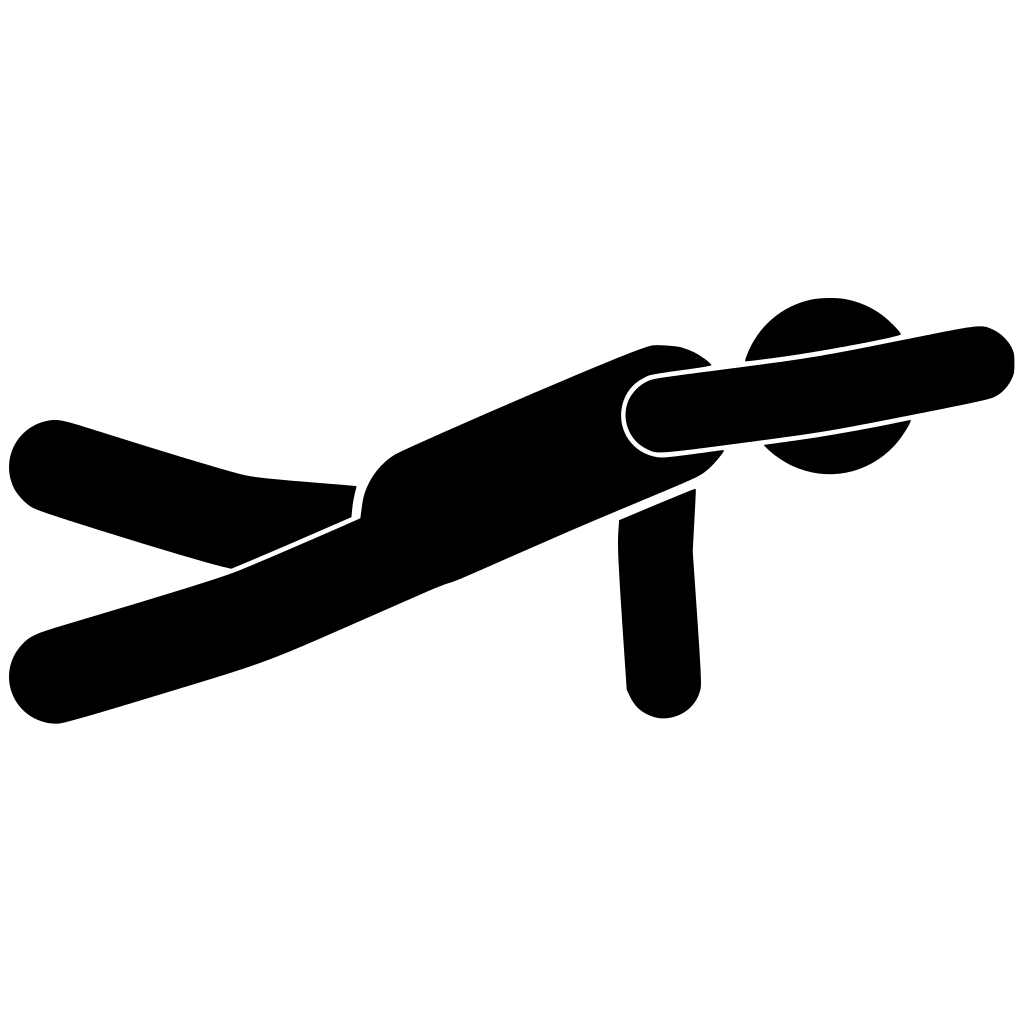 Bird dog
On hands and knees, reach one arm forward and the opposite leg back.
-
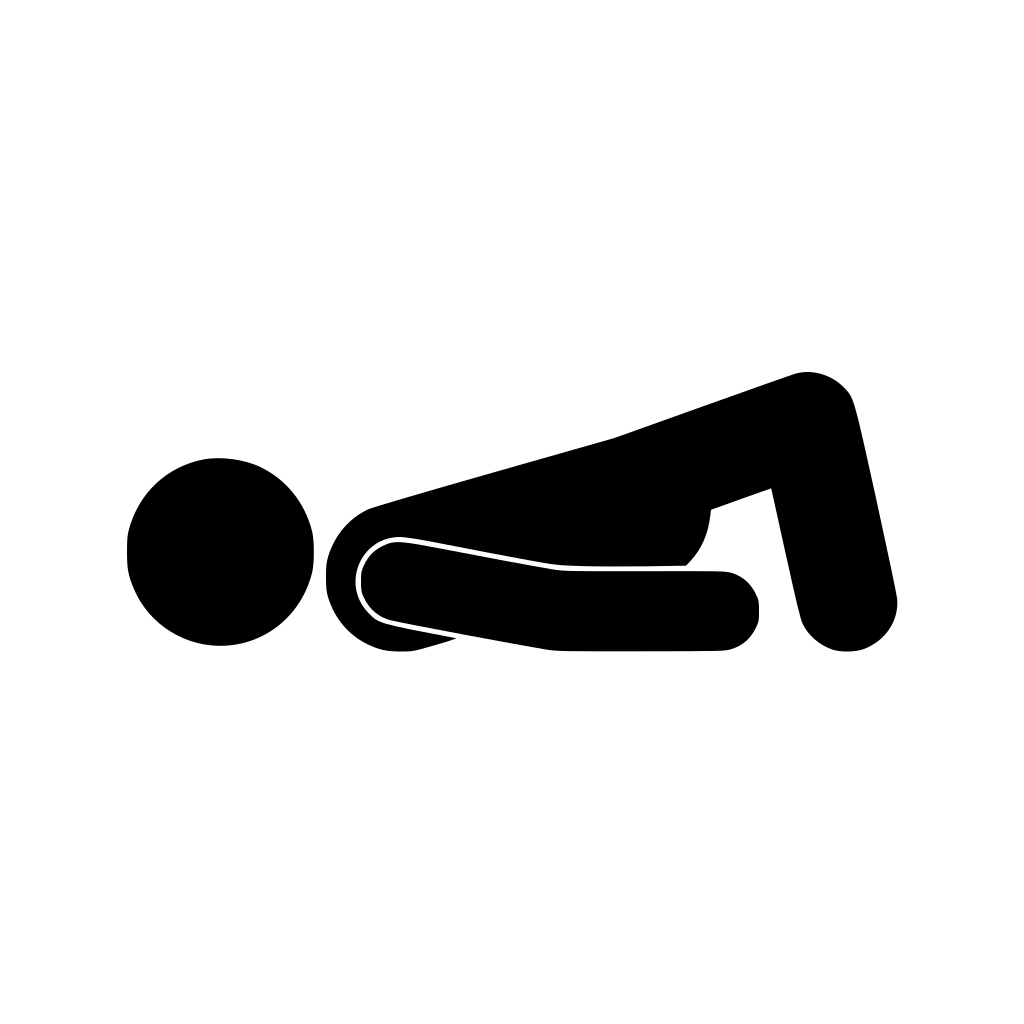 Glute bridge
On your back with knees bent, lift your hips into a straight line.
-
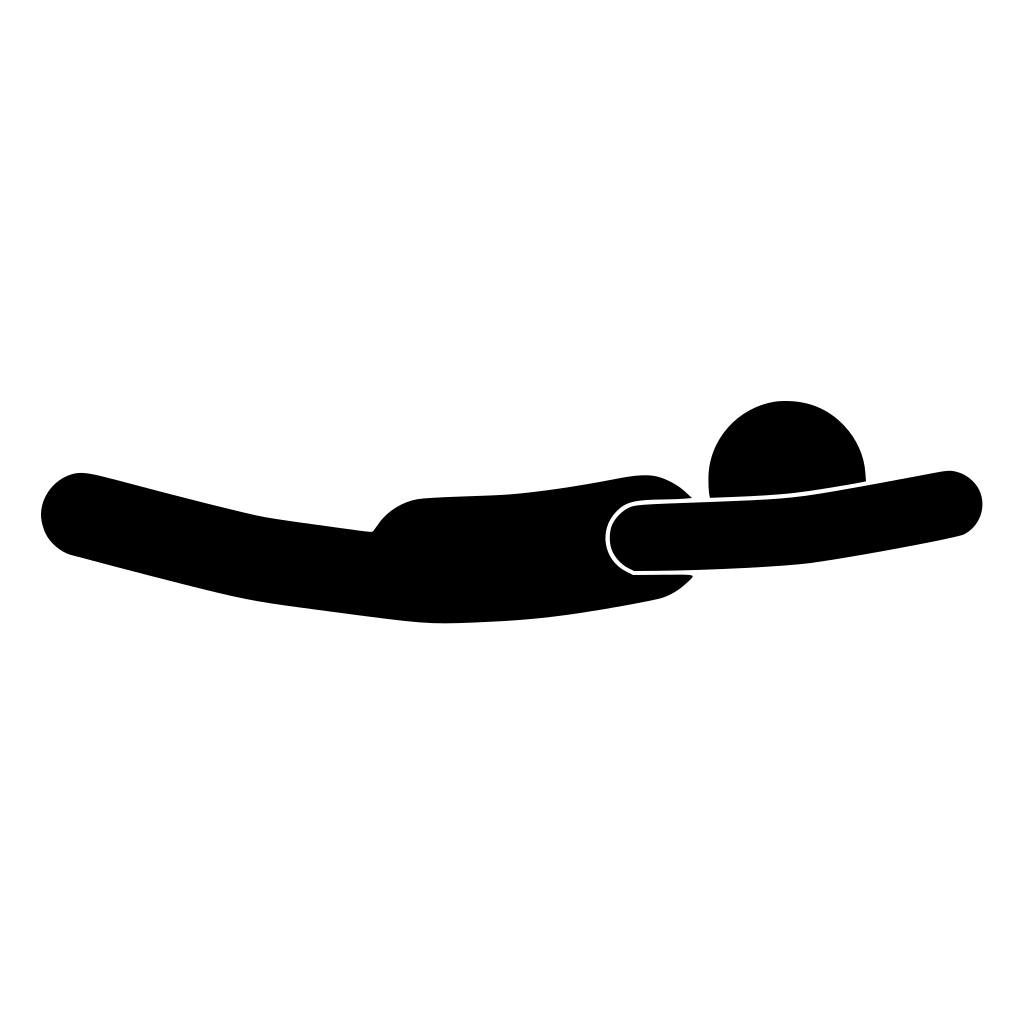 Superman
Face down, lift your arms, chest and legs a little, then lower.
-
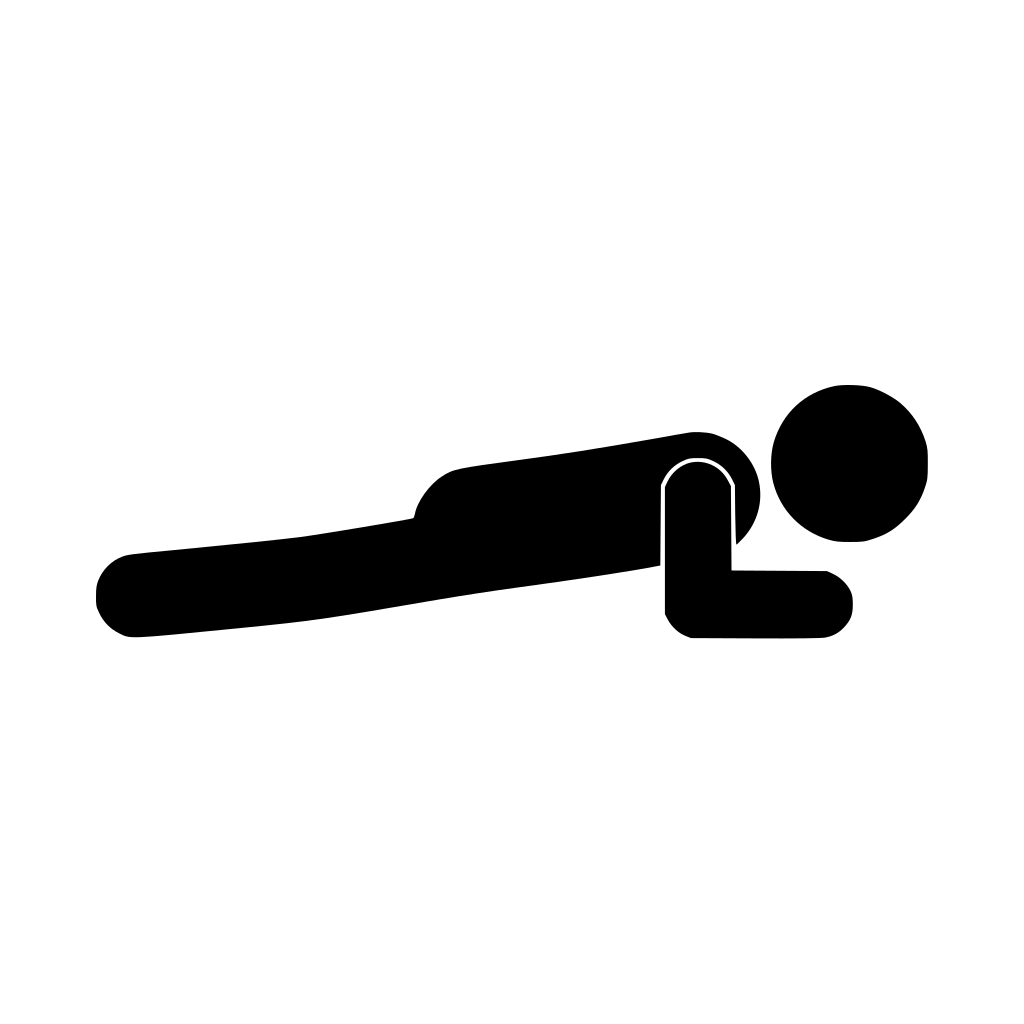 Plank
Hold a straight line from head to heels on your forearms.
Add squats and marched knee raises to make six. Our quiet, no-jump workout guide has more.
Do short sessions through the day count?
Yes. The rings add up across the day, so a five-minute circuit at lunch and another after dinner count the same as one longer session. Short breaks help the Stand ring too. The NHS recommends breaking up long periods of sitting, and at least 150 minutes of moderate activity a week. If you're just starting, our guide to working out at home covers building the habit.
What does Streaks Workout save to Apple Health?
Once you've allowed it, each workout you finish is saved to Apple Health as a workout, with its start and end time and your active energy. Heart-rate readings Health has from that time are added too. Apple says workouts from compatible third-party apps count towards your Move ring.
- With an Apple Watch: the watch measures your heart rate and energy, whether you start on the watch or on iPhone with Streaks Workout installed on your paired watch. The workout is saved to Health once, not twice. Our guide to heart-rate zones explains the readings.
- With only an iPhone: the phone's motion sensors can't measure much of a bodyweight workout, so the app usually estimates the energy from the exercises you did and for how long. It needs your weight in Health for that (and uses your height, age and sex if they're there). Treat the figure as a rough guide, not a measurement.
Our guide to home workouts with Apple Watch covers working out on the watch itself.
The Ring Chaser pack
Ring Chaser is a Workout Pack in Streaks Workout made for the rings. Its workouts have no set length. They repeat a circuit until your Move and Exercise goals for the day are met, then stop, even part-way through an exercise. The screen shows how much is left to close your rings.
- Home Stretch: the lively circuit above.
- Night Owl: the quiet circuit, with no jumping.
- Lunch Lap: a short, lively loop with in-and-out jacks, power skips and side lunges, for a break in your day.
You can turn the intensity up or down (harder work closes the rings sooner), and each workout stops after an hour even if the goals aren't met. Stand is still up to you.
It needs an Apple Watch to measure the work, so it runs on the watch, or on iPhone with Streaks Workout installed on your paired watch, and not on Apple TV. On an iPhone with no watch, the app says an Apple Watch is required. It also asks to read your Activity from Health, and if you've already met both goals today it says so instead of starting. Health can take a little while to catch up, so the Fitness app may take a moment to show the rings closed.
Common questions
Do workouts from other apps count towards your Activity rings?
Apple says any workout you finish in a compatible third-party app shows up in your activity summary and counts towards your Move ring in the Fitness app. The app needs permission to share data with the Health app.
Can you close the Exercise ring without an Apple Watch?
No. On iPhone alone, the Fitness app shows only the Move ring. Apple says you'll see the Exercise and Stand rings if you have an Apple Watch.
Why didn't my workout fill my Exercise ring?
Only minutes at or above the intensity of a brisk walk count, and Apple uses your cardio fitness to decide what's brisk for you. Slower work still counts towards Move. Wear the watch on the top of your wrist so its sensors can read you.
Can you take a break from your Activity rings?
Yes. You can pause your rings for up to 90 days without breaking your award streak, from the Activity app on Apple Watch or the Fitness app on iPhone, and resume them at any time.
Sources
- Apple. Track daily activity with Apple Watch. Apple Watch User Guide. support.apple.com
- Apple. Get the most accurate measurements using your Apple Watch. Apple Support, 12 March 2026. support.apple.com
- Apple. Adjust your Activity ring goals on Apple Watch. Apple Watch User Guide. support.apple.com
- Apple. Adjust your Activity ring goals in Fitness on iPhone. iPhone User Guide. support.apple.com
- Apple. See your activity summary in Fitness on iPhone. iPhone User Guide. support.apple.com
- Apple. Sync a third-party workout app to Fitness on iPhone. iPhone User Guide. support.apple.com
- NHS. Physical activity guidelines for adults aged 19 to 64. nhs.uk
More guides
Short workouts with voice coaching that save to Apple Health, plus the Ring Chaser pack, which keeps going until your Move and Exercise goals are met. A one-time purchase, with no subscription.