The Workout app on your Apple Watch is all you need to track a home workout. Choose Functional Strength Training for a bodyweight circuit, or High Intensity Interval Training for short bursts with rests, wear the watch snugly, and it records your heart rate and active calories. A workout app on the watch can also show you each exercise and time it.
Which workout type should you choose?
For most bodyweight sessions, Functional Strength Training. Apple's advice is to pick the type that best matches what you're doing:
- Functional Strength Training for circuits of squats, lunges, push-ups and similar moves, with or without a small weight.
- High Intensity Interval Training for short, hard efforts with rests between them, like a Tabata workout.
- Core Training for a session that's mostly planks, crunches and other abs and back work, like our 10-minute core workout.
- Yoga, Flexibility or Cooldown for slower stretching and mobility.
- Other when nothing else fits.
To start one, open the Workout app, turn the Digital Crown to the workout type and tap the Play button. If the type you want isn't there, scroll down and tap the Add button at the bottom of the list. To pause, press the side button and the Digital Crown together. When you've finished, swipe right and tap End.
How should you wear your watch for a workout?
Snugly, and above your wrist bone. Apple suggests wearing it above the wrist bone, towards your elbow, so the sensors stay against your skin. You can tighten the band for a workout and loosen it a bit afterwards, as long as it's still comfortable.
Apple lists a few things that make heart rate harder to read:
- The way you move. Rhythmic movements, such as running or cycling, give better results than irregular ones, such as tennis or boxing. A circuit of jumps, push-ups and planks is closer to irregular, so the odd strange reading is normal.
- Cold. If you're exercising somewhere cold, less blood flows through the skin of your wrist and the sensor may not get a reading.
- Some tattoos can block light from the sensor.
Your watch uses your height, weight, gender and age to work out calories, so keep them up to date in the Watch app on your iPhone, under My Watch, Health, Health Details.
What does the watch measure?
Your heart rate, calories and elapsed time. Raise your wrist during a workout to see them, and turn the Digital Crown to switch views. Afterwards, scroll to the bottom of the Activity app on your watch for its length, your average heart rate and the calories you burned.
The Workout app doesn't know which exercise you're doing, so keeping track of the moves, reps and rests is up to you. Our guide to heart-rate zones for short workouts explains how to read your heart rate across a circuit.
Do home workouts count towards your Activity rings?
Yes. Apple says a workout from a compatible app that shares data with Health adds to your Move ring, and Workout app sessions earn Exercise minutes too. Our guide on how to close your Move ring at home explains the three rings and has short sessions to try.
A short session to try with your watch
Start Functional Strength Training, then do each move for 40 seconds with 20 seconds' rest. Two rounds take about 10 minutes. Warm up for a few minutes first (our warm-up guide has a sequence).
-
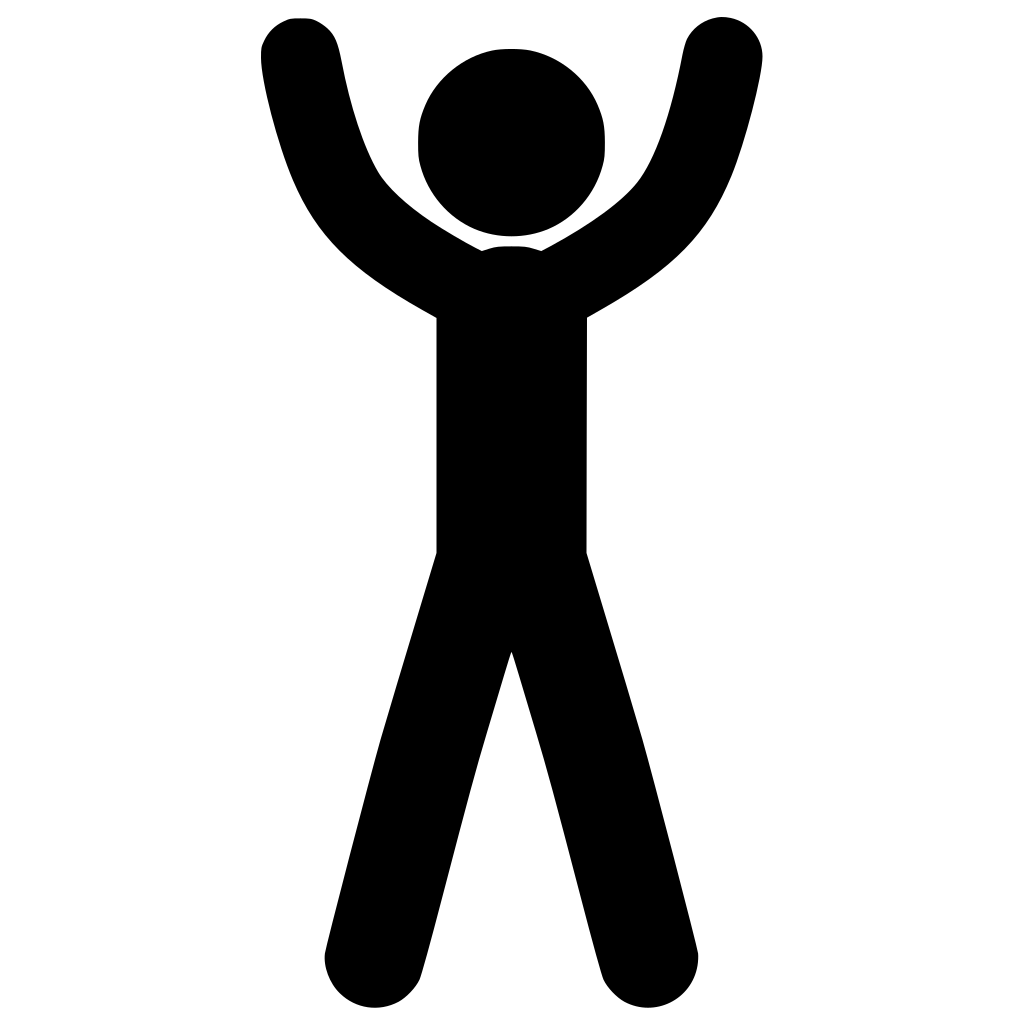 Jumping jacks
Jump your feet out wide as your arms swing overhead, then back in. Step side to side to keep it quiet.
-
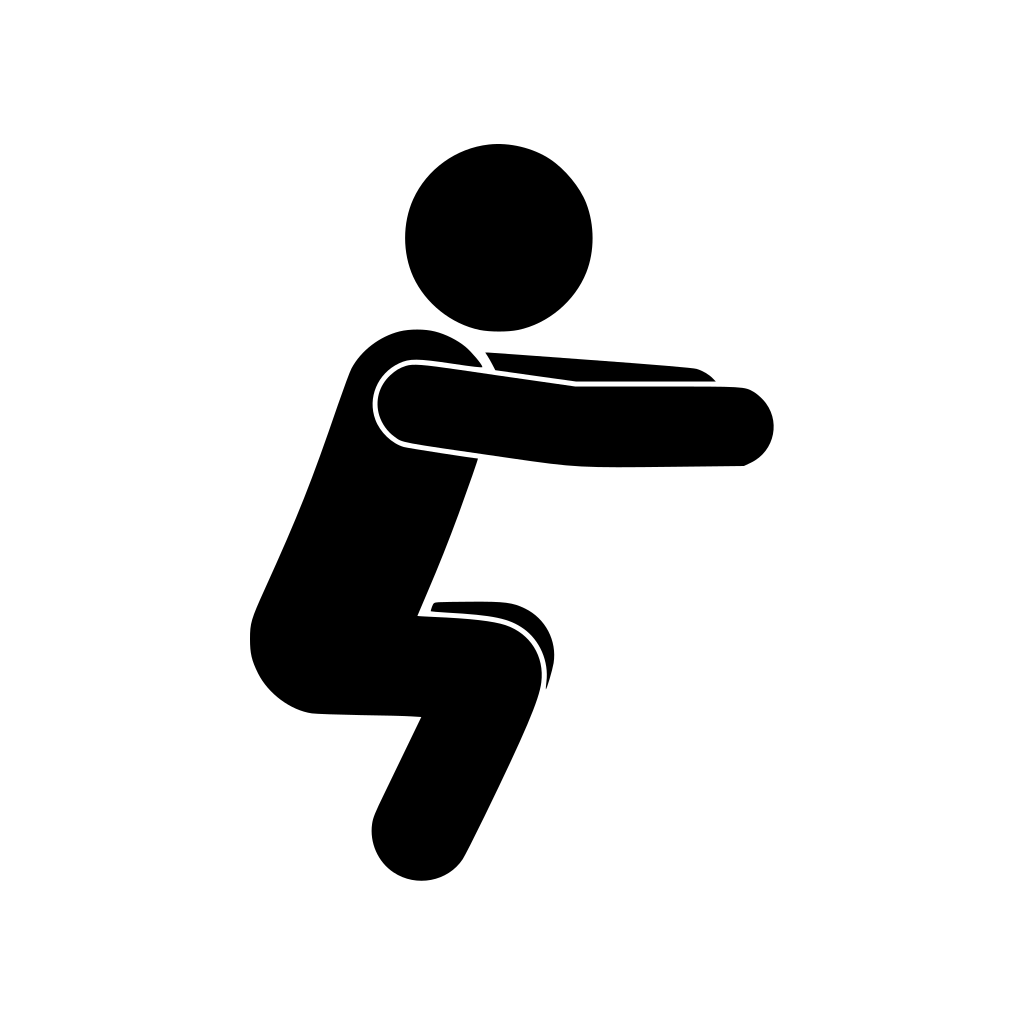 Squats
Feet about shoulder width apart, sit back and down until your thighs are about level with the floor, then stand.
-
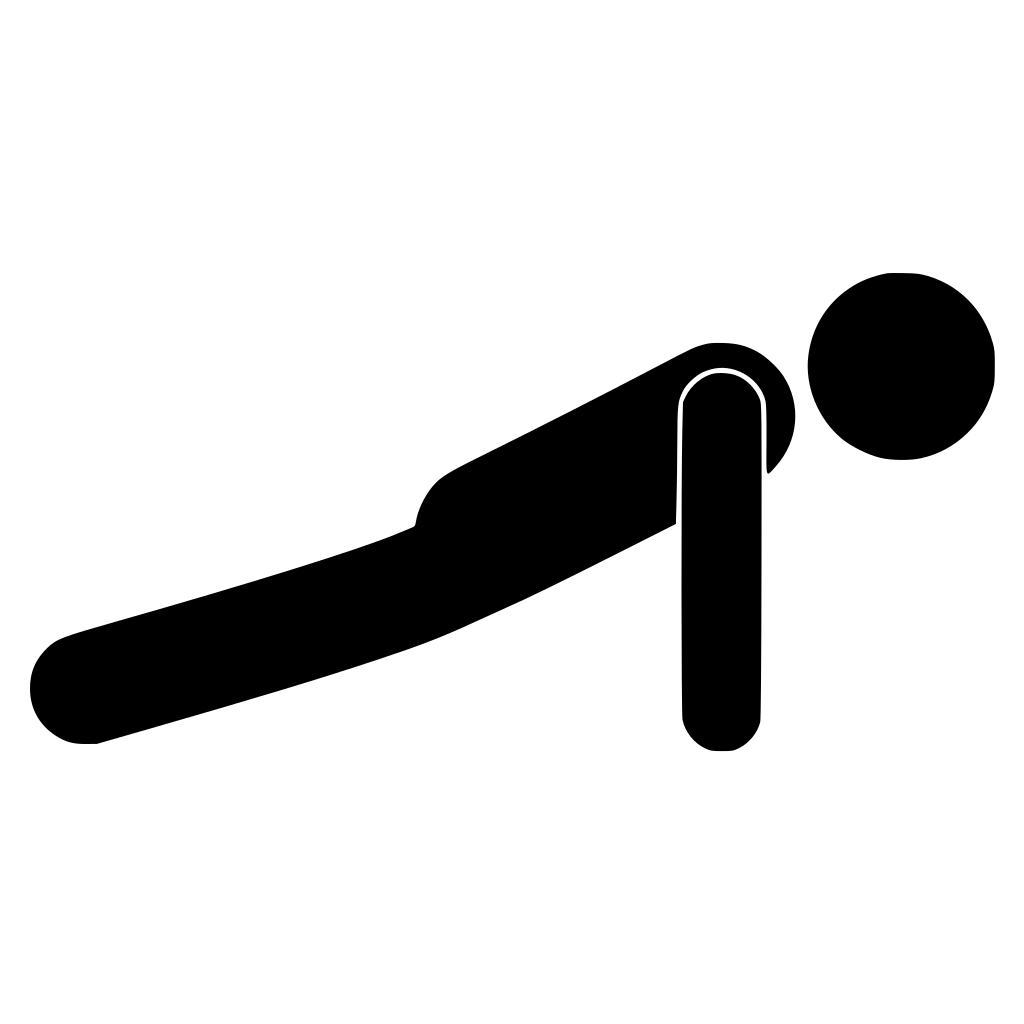 Push-ups
Hands under your shoulders, body straight. Lower your chest towards the floor and push back up, on your knees if you need to.
-
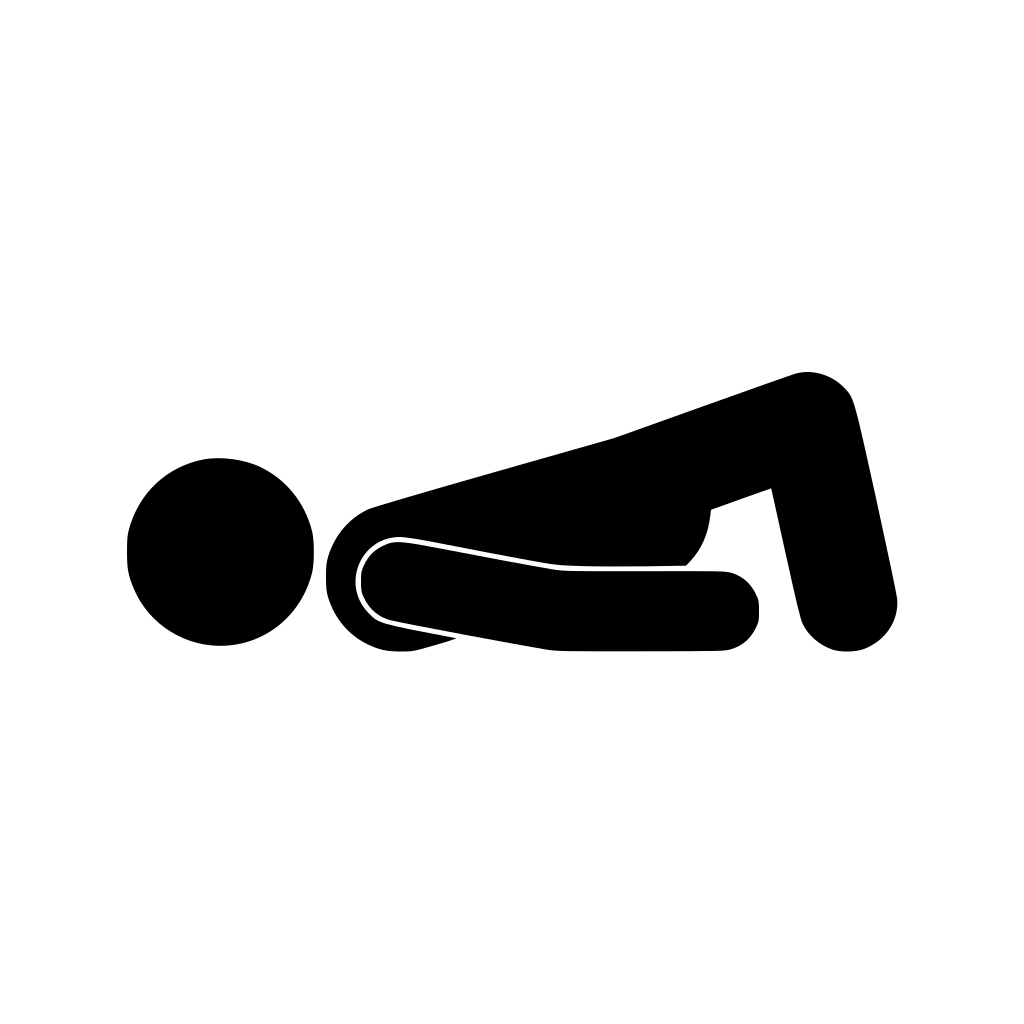 Glute bridge
Lie on your back, knees bent and feet flat. Push through your heels to lift your hips until you're straight from shoulders to knees.
-
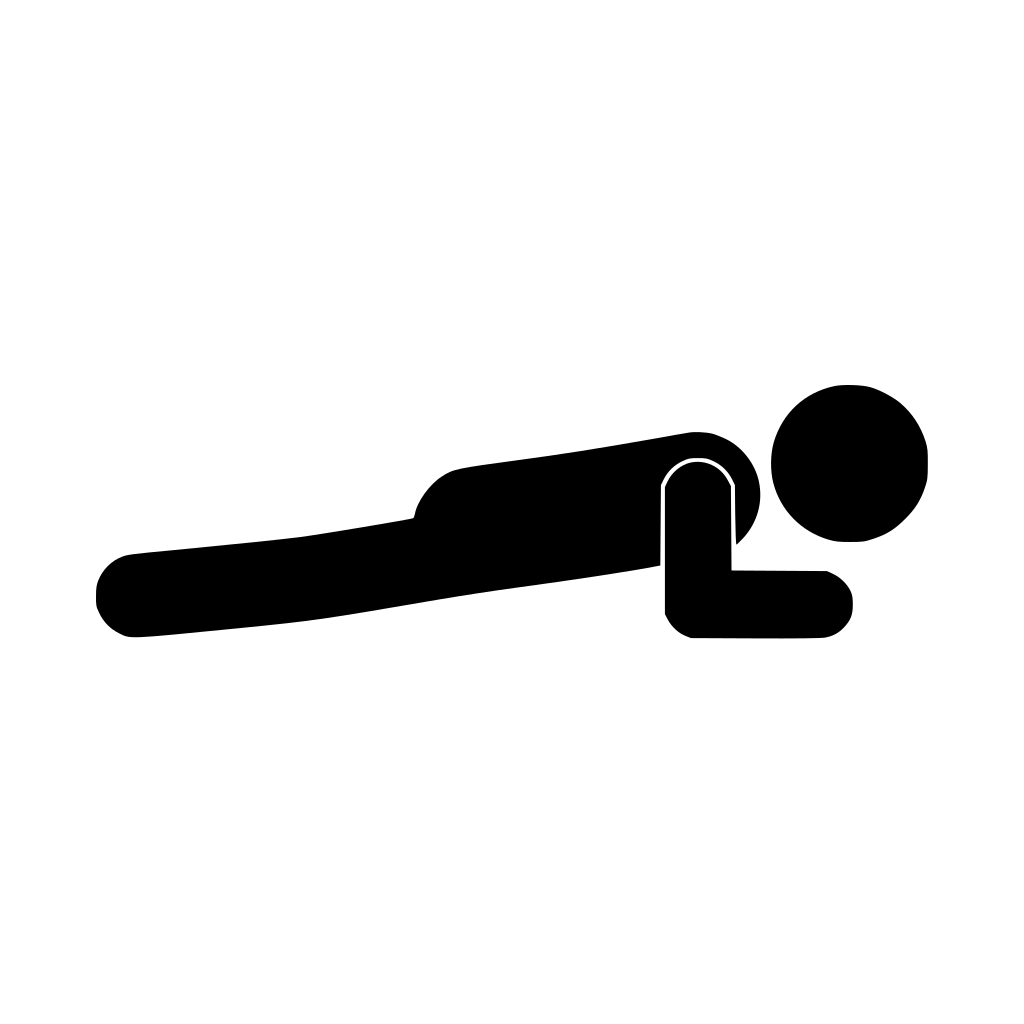 Plank
Hold a straight line from head to heels on your forearms. Drop your knees if your hips sag.
If you have an injury or a health condition, check with a doctor or physio before starting something new.
How does Streaks Workout work on Apple Watch?
Streaks Workout has a watch app (it needs watchOS 10.6 or later) with the same workouts and folders as your iPhone, synced through iCloud. Tap a workout to see its exercises, then tap Start for a 3, 2, 1 countdown.
During the workout, the watch shows:
- The exercise as an animated figure inside a ring. For a timed exercise, the ring fills as the time runs down. For one counted in reps, tap the circle when you've done them.
- Its name, with the seconds or reps above it, and a form tip for some exercises.
- Your heart rate and the elapsed time along the bottom, with five dots for the heart-rate zones. Your current zone's dot lights up, from blue for zone 1 to red for zone 5.
- Your progress through the workout, such as 3 / 12, at the top.
Swipe right for Pause, End and a speech on/off button, and left for music controls. With your wrist down, the screen dims to a simpler view.
The watch taps your wrist when a timed exercise ends, when you finish a set of reps, and when you pause and resume. It can also talk you through the workout. Under Speech and Coaching in the watch app's settings, you can turn on Announce Exercise, Exercise Countdown and Transition / Rest Countdown, and choose a voice, separately from your iPhone.
Workout Pack workouts also have a coach, which you choose under Coach: Standard Coach, Calm Guide or Drill Sergeant (or None). On the watch, the coach can react to your heart rate, for example when it climbs into a hard zone or drops quickly during a rest.
Can you start on iPhone or Apple TV and track on your watch?
Yes. When you start a workout on your iPhone or Apple TV, Streaks Workout opens on your watch and tracks your heart rate and active energy. The watch shows your heart rate with the zone dots, the energy so far and a Stop Tracking button, but not the exercises, so follow those on the phone or TV. Your iPhone shows your heart rate from the watch, with the same dots.
To start tracking yourself instead, turn off Start Automatically in the watch app's settings, then tap the workout under Track Workout on the watch.
What does Streaks Workout save to Apple Health?
Each workout is saved to Health once, with the heart rate and active energy your watch measured. If you started on your iPhone, the watch's recording is the one saved, and your iPhone fills in its history from it.
Workouts are saved as Functional Strength Training unless you pick another type. Some Workout Pack workouts use a type that suits them, such as Core Training or High Intensity Interval Training.
When you finish on the watch, Workout Complete shows how long you worked out, your average heart rate, your time in each heart-rate zone, the energy you burned and each exercise you did. With iOS 27 and watchOS 27, the app uses Health's zones, including any you've set yourself, so they match Apple's Workout app. On earlier versions, it estimates them from your age.
Workout Packs on the watch
The Workout Packs you own show up on the watch as folders, and their workouts run there in the pack's own colours. You can also browse and buy packs under Workout Packs in the watch app's settings. The Ring Chaser pack's workouts keep going until your Move and Exercise goals for the day are met, and on the watch the calories or minutes left show at the top in that ring's colour.
Common questions
Can you track a home workout on Apple Watch without an app?
Yes. The Workout app is already on your watch and records your heart rate and active calories. It won't tell you which exercise to do or time each one, so you'll need your own plan, or a workout app.
Why does my heart rate look wrong during a home workout?
Mostly because of how you move. Apple says rhythmic movements such as running read better than irregular ones such as tennis or boxing, and jumping between squats, push-ups and planks is closer to irregular. A snug fit above the wrist bone helps.
Can I follow a workout on my iPhone and track it on my Apple Watch?
With Streaks Workout, yes, if the app is on your watch too. Start on your iPhone or Apple TV and the watch tracks your heart rate and energy while you follow along on the bigger screen. The workout is saved to Health once.
Sources
- Apple. Start a workout on Apple Watch. Apple Watch User Guide
- Apple. Workout types on Apple Watch. Apple Support
- Apple. Wearing your Apple Watch. Apple Support
- Apple. Get the most accurate measurements using your Apple Watch. Apple Support
- Apple. Track daily activity with Apple Watch. Apple Watch User Guide
- Apple. Sync a third-party workout app to Fitness on iPhone. iPhone User Guide
More guides
Short workouts with voice coaching on your iPhone, Apple TV and Apple Watch, with live heart-rate zones from your watch. A one-time purchase, with no subscription.