Transcript
You earn trophies for streaks, milestones, exercises and Workout Packs, and they're all kept on the Trophies screen. Here, the trophies you've earned are at the top, newest first, in full colour. Opening one shows what it was for and the day you earned it. Under them are the ones still to earn, dimmed, each with a ring that shows how close you are. A trophy you haven't earned yet says what it takes and how far along you are. Your stats are in My Stats, which opens from the cards at the bottom of the home screen, like this Streak card. At the top are your streak, your best streak and your total workouts, and this week measured against your streak goal.
Further down are the days you've worked out, your recent bests, and every exercise you've done. Here, each exercise has its own chart, with your latest result and your record. The buttons above the chart switch between your best set and your reps across a whole workout.
More videos
-
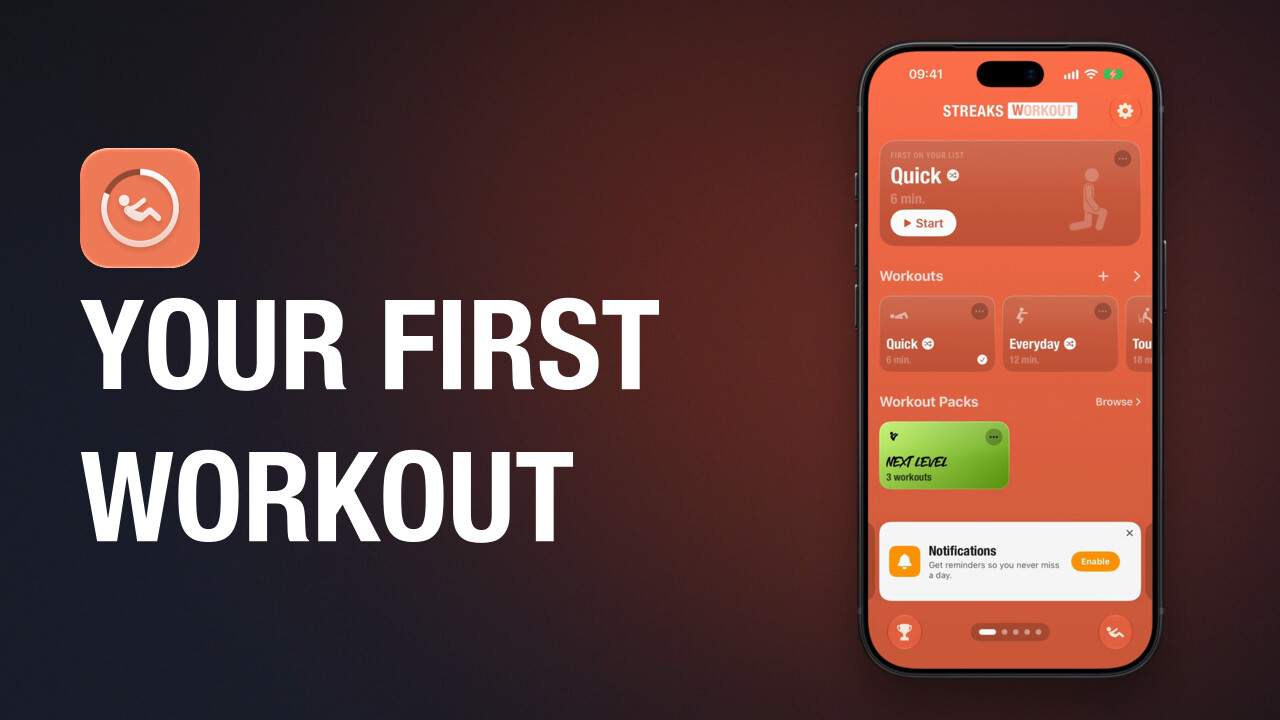 1:14
Do your first workout
How to start a workout in Streaks Workout, what counted and timed exercises look like, how to pause, and what you see when you finish.
-
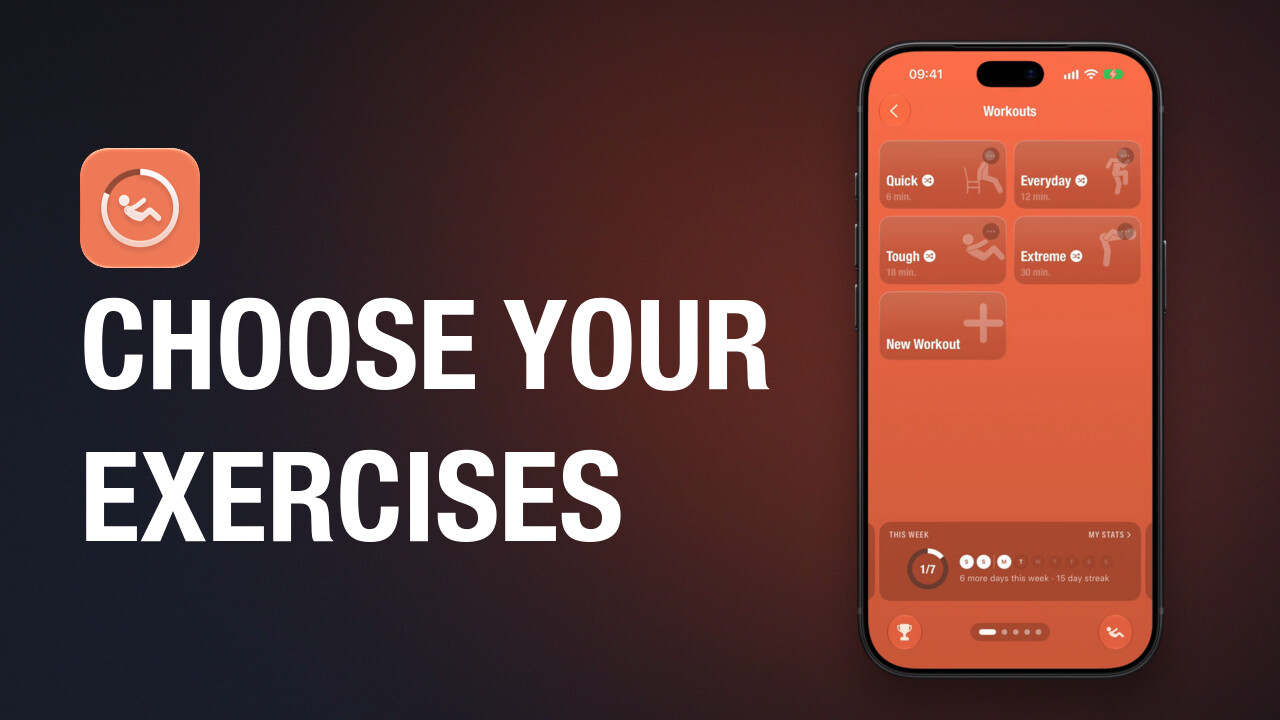 1:20
Choose a random workout's exercises
The four built-in workouts in Streaks Workout choose their exercises at random. How to change the set one of them chooses from: remove an exercise, add one, and always include a favourite.
-
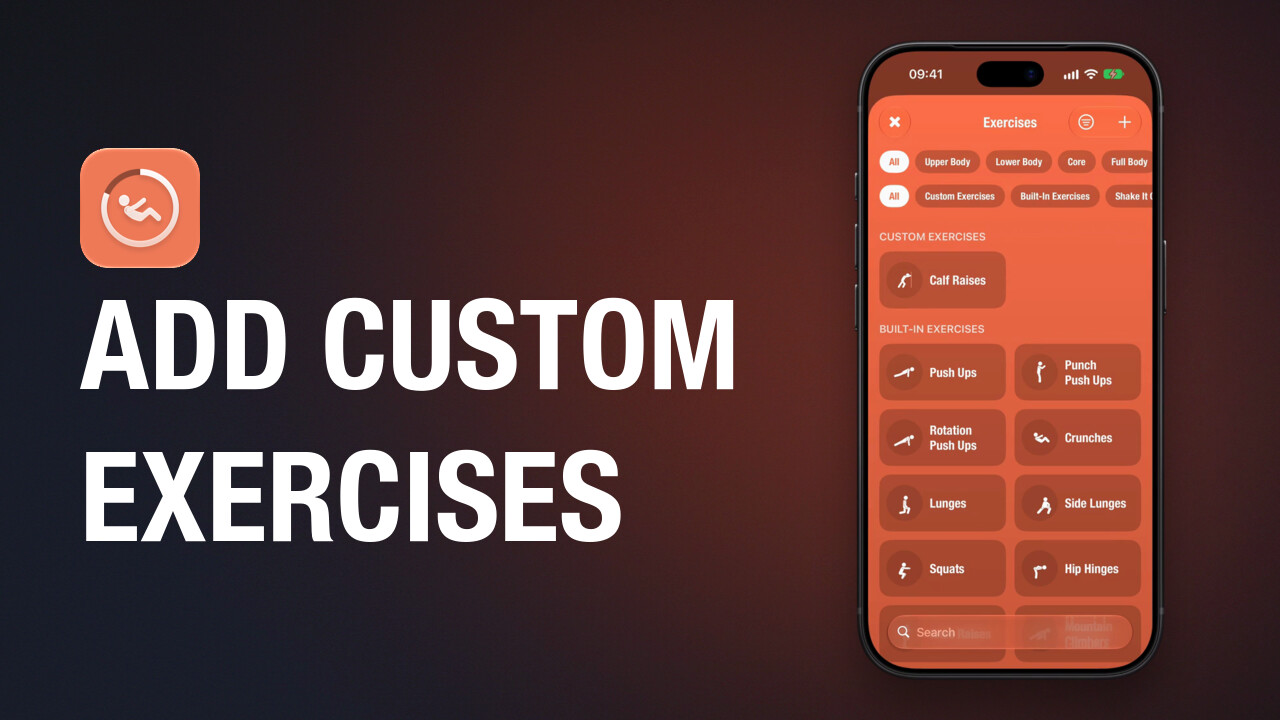 0:59
Add custom exercises
How to create a custom exercise in Streaks Workout with a name, an icon, its timing and the muscles it works.
-
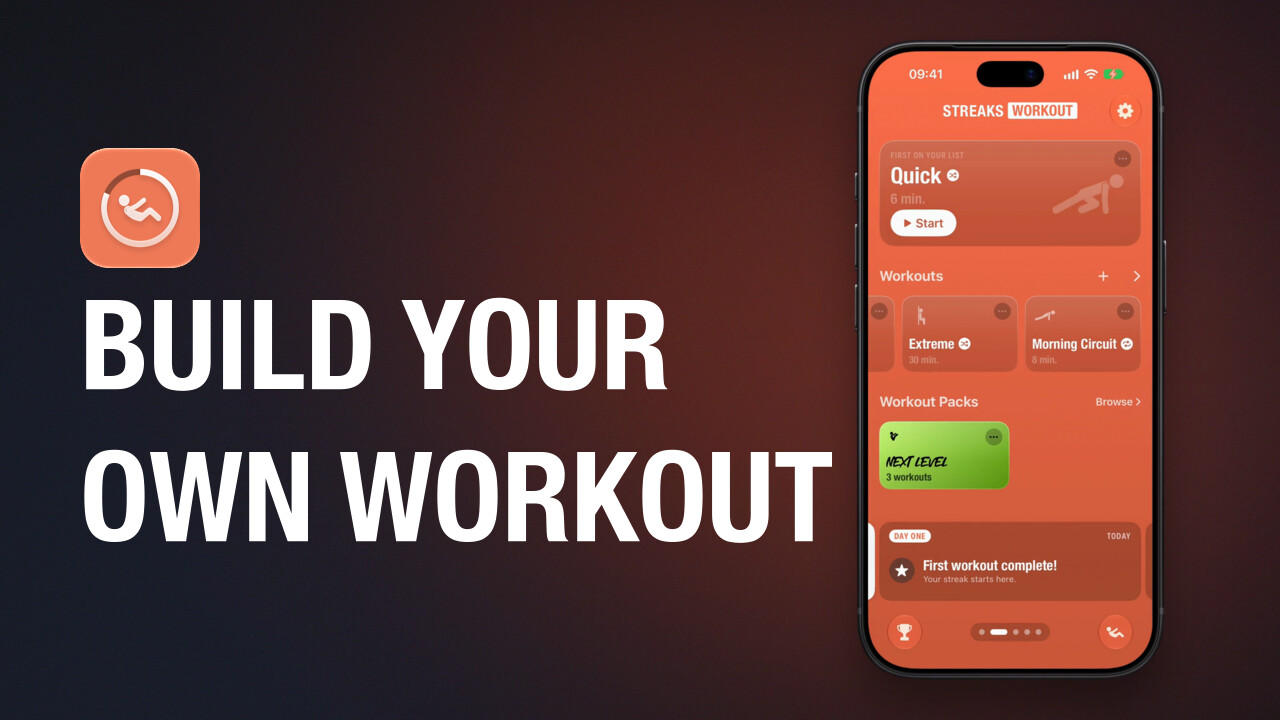 1:24
Build a custom workout
How to build your own workout in Streaks Workout: choose the exercises, add rests and repeats, count reps or time them, and save it.
-
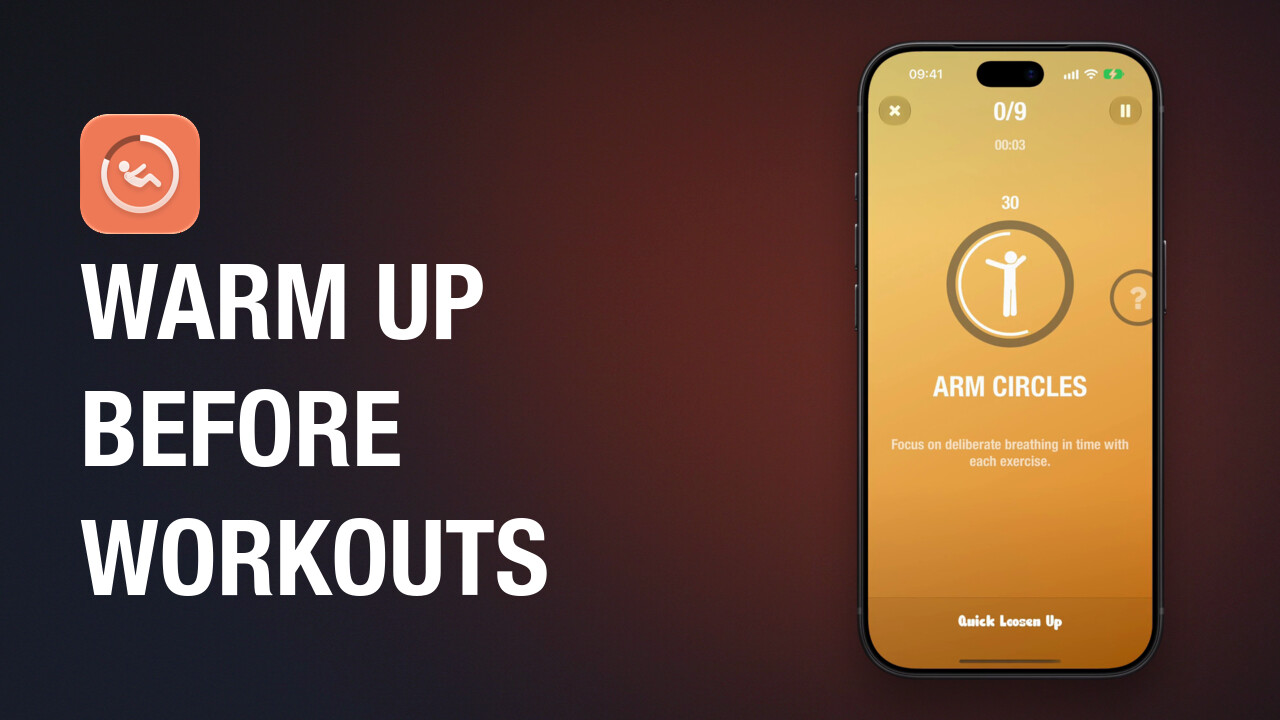 0:53
Warm up with Shake It Out
How to get the free Shake It Out pack in Streaks Workout and do its warm-up workout, Quick Loosen Up, before another workout.
Guided workouts for iPhone, iPad, Apple Watch and Apple TV. A one-time purchase, with no subscription.