Related: How to build your own bodyweight workout
Transcript
You can build your own workout, with the exercises you choose, in the order you want. It starts from the plus button next to Workouts.
With Customize Everything, you set everything yourself, including how long each set is, rests, and more. The other choices make a random workout, where you only choose the exercises and the app builds it. The first step is to name your workout.
Add Exercises opens the full list. You can pick several at once, and they're numbered in the order you pick them.
Each exercise starts at thirty seconds, and the three buttons above the list change the whole group at once. Rest Between adds a rest between the exercises.
Repeats runs the workout more than once. You can repeat the whole workout, or repeat each exercise before moving on.
Any exercise can also be changed by itself. Here, push ups are now counted instead of timed, at twelve reps. Once it's saved, Morning Circuit is at the end of the Workouts row, and it starts the same way as the built-in workouts.
More videos
-
 1:14
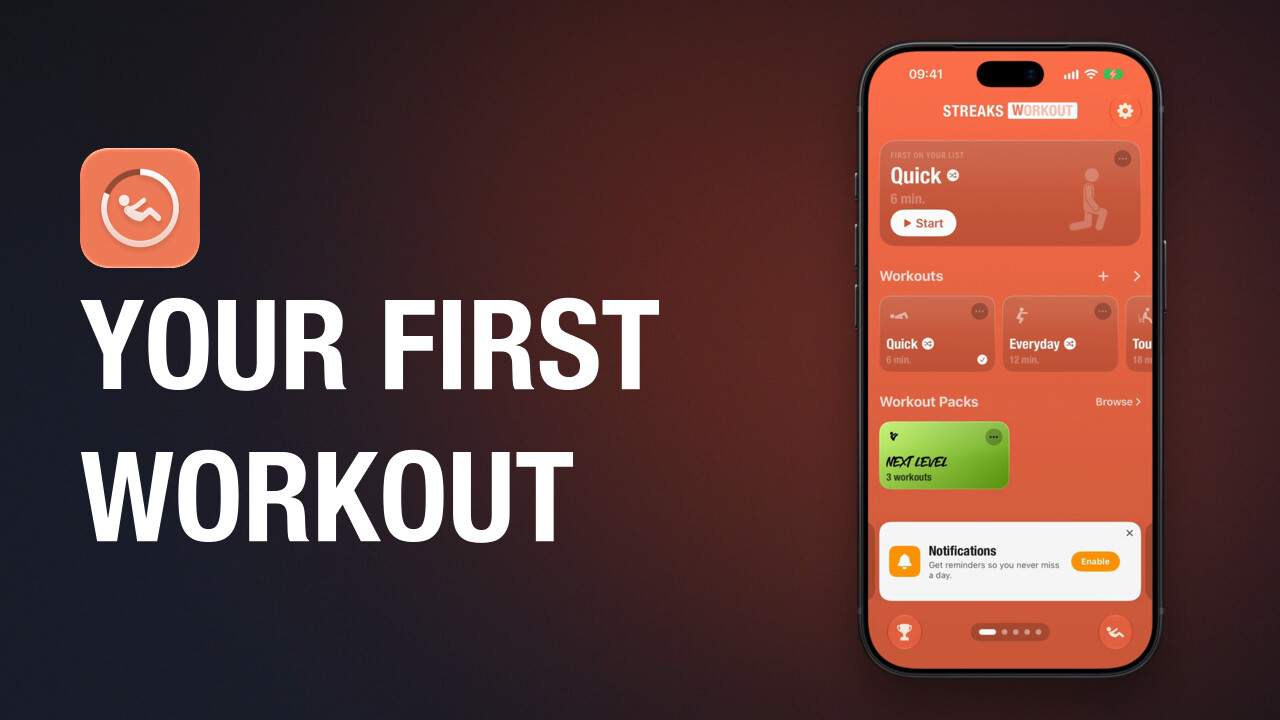
Do your first workout
How to start a workout in Streaks Workout, what counted and timed exercises look like, how to pause, and what you see when you finish.
-
 1:20
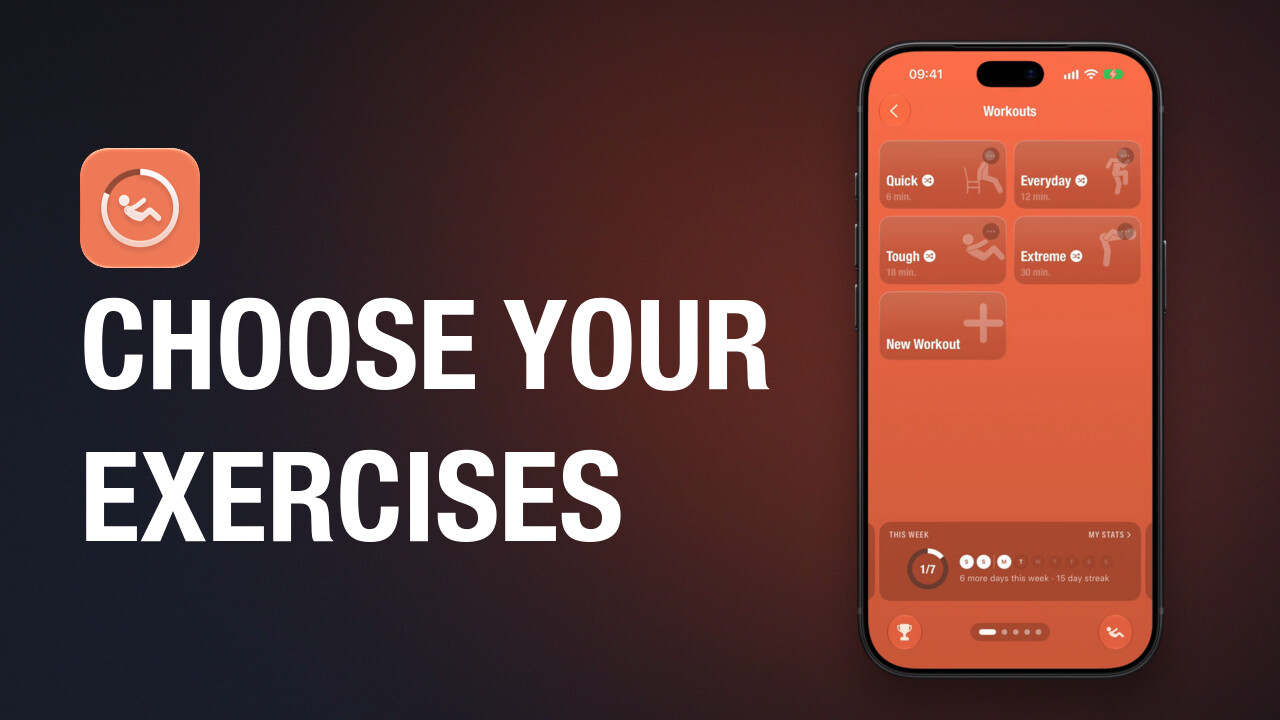
Choose a random workout's exercises
The four built-in workouts in Streaks Workout choose their exercises at random. How to change the set one of them chooses from: remove an exercise, add one, and always include a favourite.
-
 0:59
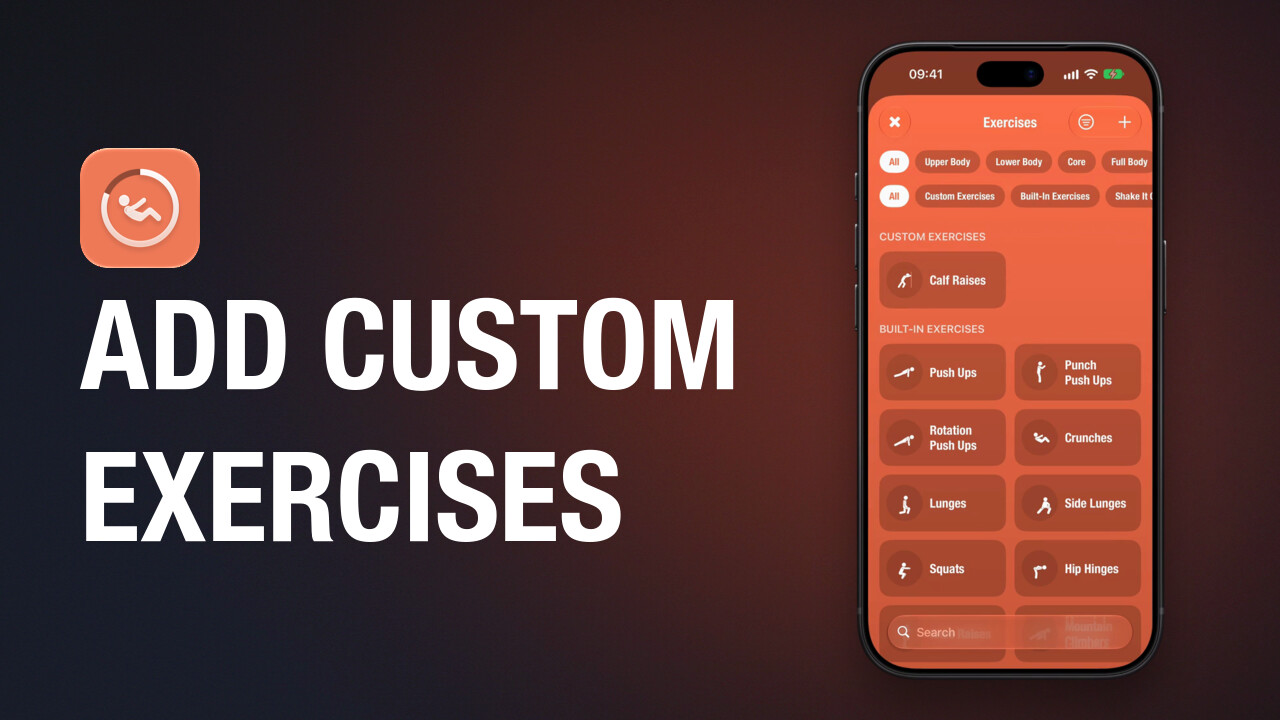
Add custom exercises
How to create a custom exercise in Streaks Workout with a name, an icon, its timing and the muscles it works.
-
 0:53
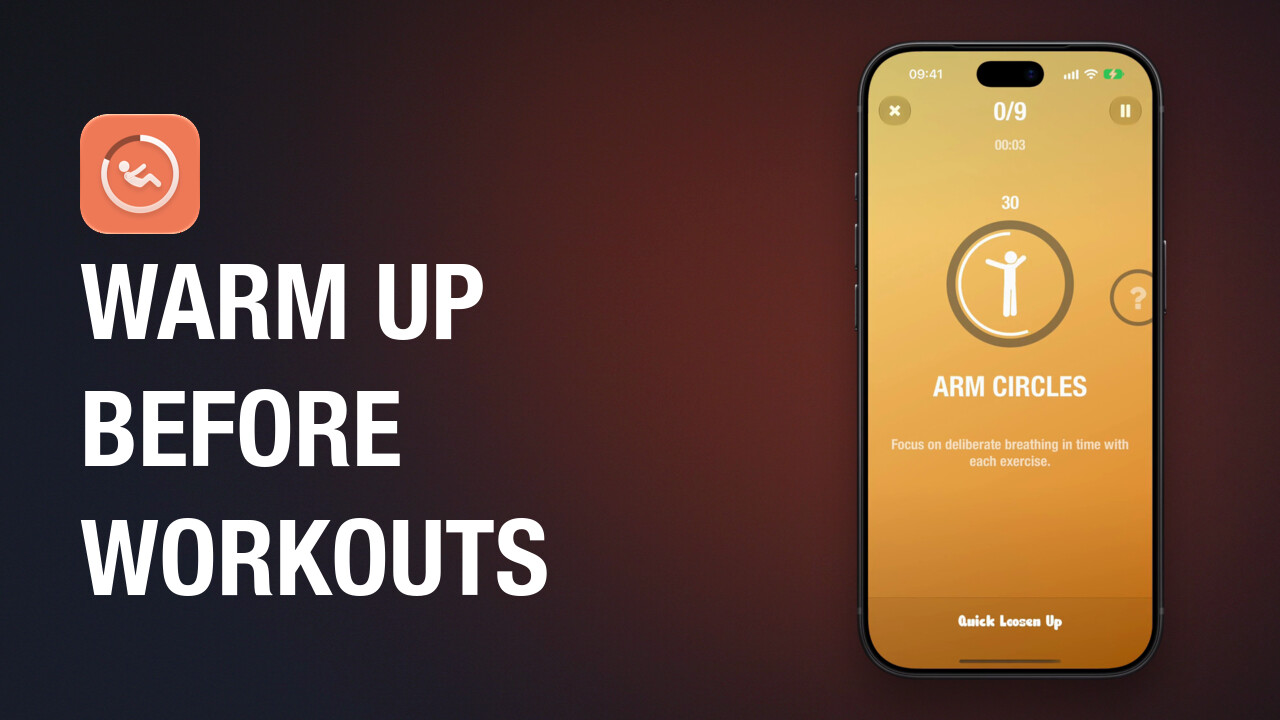
Warm up with Shake It Out
How to get the free Shake It Out pack in Streaks Workout and do its warm-up workout, Quick Loosen Up, before another workout.
-
 1:07
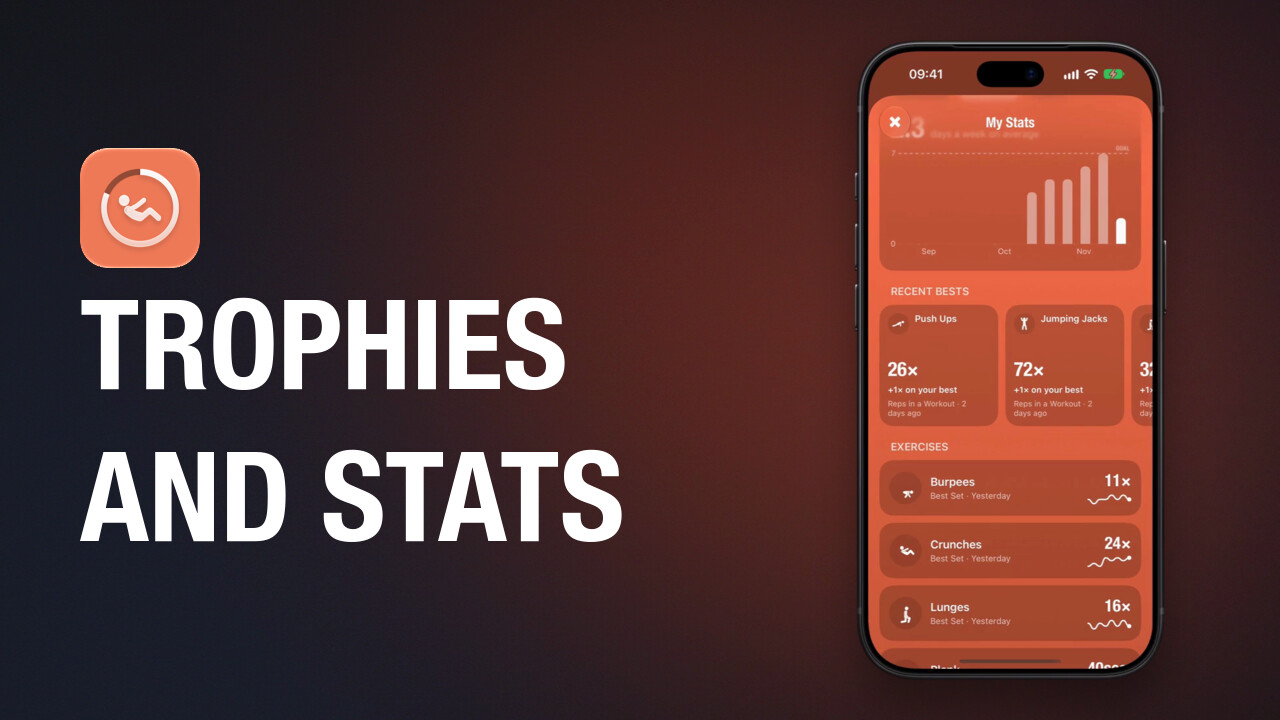
Trophies and My Stats
Where to find your trophies in Streaks Workout, how to see what the next one takes, and how to open My Stats for your streak and each exercise.
Guided workouts for iPhone, iPad, Apple Watch and Apple TV. A one-time purchase, with no subscription.